In Japan’s cashless market, the Rakuten Credit Card pairs simple eligibility with a reliable points engine that converts daily spend into practical savings.
Applications run online in Japanese or English, and approval moves quickly when entries match your ID and bank details. Expect a predictable statement cycle and a standard earn structure on Rakuten Group services and everyday stores.
Key Facts and Who This Helps
Foreign residents, students, and first full-time employees often start here because the process is straightforward and support materials are abundant.
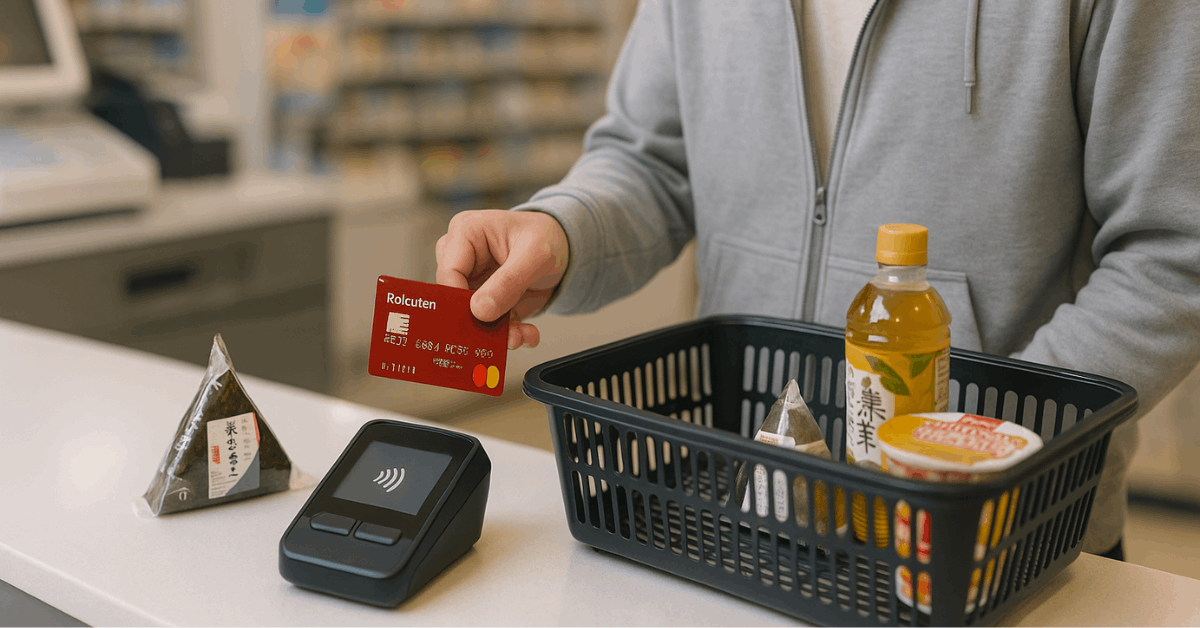
Basic cards carry no annual fee and support Visa, Mastercard, JCB, or American Express branding at application. Contactless payment works at compatible terminals in Japan and abroad.
How Rakuten Points Work on Purchases
Base earn remains simple: 1 point per 100 yen charged to the card, typically granted around the 15th of the following month.
Rakuten Ichiba purchases can earn additional points under the SPU program when campaign rules apply, although rates and caps vary. Points can also offset card bills through “Payment with Points” when enabled.
Name, ID, and Address Rules that Prevent Delays
Clean inputs prevent rework during screening and delivery. Small deviations in name order or spelling can block account linkage and card receipt. Follow the entry rules below to keep the application moving.
Accepted Identification at Delivery
Driver’s license, Residence Card Japan, Japanese passport, Special Permanent Resident Certificate, or My Number card with photo qualify for identity confirmation at card handoff. Have one of these ready when delivery staff arrives.
Name Entry and Character Limits
Enter kanji exactly as shown on your ID, add the matching hiragana, then enter ROMAN letters for the emboss line.
Rakuten Card enforces per-brand limits on ROMAN characters: Visa 19, Mastercard 21, JCB 24, and American Express 21, including spaces.
Kanji lines cap at 10 characters each, and hiragana lines at 15. Plan abbreviations if your legal name exceeds the emboss line length.
Bank Account Holder Match
Direct debit registration may fail if the bank account holder’s name order or characters do not exactly match the card applicant’s details. Align kanji and kana across both records before submitting.
Address and Delivery Confirmation
Enter the current postal code and full address in Japan so the card ships to the correct residence. Prepare to confirm basics by phone in Japanese during verification.
Step-By-Step: Complete the Rakuten Card Application Online
Clear steps shorten the timeline and reduce back-and-forth. Create or confirm a Rakuten ID, pick a card brand and design, then enter personal details, preferences, and bank information. Submission triggers screening and delivery on approval.
Step 1: Create or Confirm Your Rakuten ID
Open the official Rakuten Card site and ensure a working Rakuten ID and email are available. If you are not a member, start from the non-member entry and register first.
Step 2: Choose the Card Brand and Design
Select Visa, Mastercard, JCB, or American Express according to where you shop or travel. Designs vary by brand, and all current brands support contactless payment.
Step 3: Enter Personal Data Precisely
Input name in kanji, hiragana, and ROMAN letters per the rules above, then add date of birth, gender, phone, and email.
Provide household, residence status, and employment, including annual income where requested. Keep entries consistent with ID.
Step 4: Set Optional Features and Preferences
Decide on email communications, select purpose of use, and choose whether to enable revolving payment. Revolving payment adds interest at an effective annual rate around 15 percent, so avoid enabling it unless necessary.
Step 5: Link a Japanese Bank Account
Register the withdrawal account online to speed activation, using the cash card or bankbook to avoid typos. Online linkage routes through your bank’s verification page before returning to Rakuten for confirmation.
Step 6: Review, Consent, and Submit
Confirm every field, agree to terms, and submit. Screening commonly includes a short identity call, then card production and delivery. Track application status online using the application ID after submission.
Card Types
Application choices remain simple for first-time users. A lean comparison helps you decide without over-analyzing options. Annual fees and travel privileges differ, while base earn stays consistent on standard spend.
| Card | Annual fee | Typical use case | Notable perks |
| Rakuten Card (Basic) | 0 yen | First card in Japan, daily spend | Standard earn on card spend, broad brand choice |
| Rakuten Pink Card | 0 yen | Customizable benefits | Optional lifestyle services and themed designs |
| Rakuten Gold Card | 2,200 yen | Occasional traveler | Domestic airport lounges up to 2 free visits per program year, plus travel desk access |
Billing, Repayment, and the Rakuten Billing Date
Statements close at month-end for most spend, and payment is debited on the 27th of the following month or the next business day when the 27th is a bank holiday.
Transactions at Rakuten Ichiba follow a special cutoff on the 25th, with spend from the 26th to month-end billed on the 27th of the month after next. Keep funds available because automatic withdrawal occurs once per cycle without manual prompts.
Points for card purchases generally post around the 15th of the following month, and Rakuten Card Payment with Points allows points to reduce card bills when configured. Track statements and change payment settings using the English Rakuten Card Lite app if preferred.
Optional Add-Ons: Edy, ETC, and Family Cards
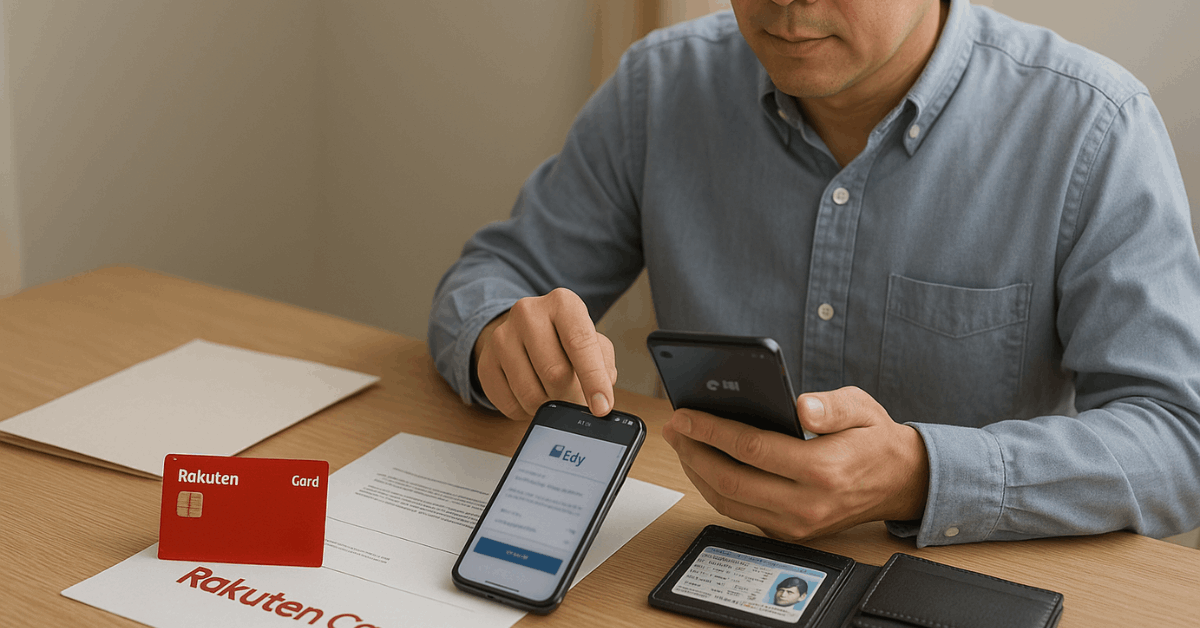
Rakuten Edy is a prepaid e-money feature that can sit on the same plastic and supports Edy auto-recharge once the balance drops below a chosen threshold. Tap to pay at compatible stores and manage recharge logic in the app or at participating kiosks.
The ETC option enables automatic toll payments on expressways. The standard ETC card fee appears as 550 yen annually unless you qualify for a campaign or status waiver at the time. Confirm your waiver status in current materials before opting in.
A Rakuten family card can be issued for an immediate family member and shares the primary card’s credit limit for consolidated tracking. Points accrue at the standard 1 percent rate on eligible spend.
Practical screening tips that avoid slowdowns
Short preparation prevents the most common rejections and mailing loops. Apply after gathering documents and confirming the bank account name format.
- Match names exactly across ID, bank account, and application fields, including spacing and order. Character limits require strategic abbreviations on the ROMAN line.
- Enter a reachable Japanese phone number and keep the device available for identity calls in Japanese during business hours
- Keep the direct debit account funded before the 27th to avoid failed pulls and follow-on interest or fees.
- Leave revolving payment off unless planned; the effective annual rate is about 15 percent on revolving balances.
- Save the application ID and check progress online if delivery seems slow after screening completes.
Quick Usage Checklist
Activation completes automatically upon receipt when bank account linkage is already on file. Carry a valid ID at delivery, sign the back of the card, and set a PIN if prompted.
Enable contactless, enroll in applicable campaigns on the Rakuten Card site, and add the card to mobile wallets where supported.
Final Thoughts
Reliable issuance, no-annual-fee entry, and steady earn make the Rakuten Credit Card a practical first card in Japan. Clean data entry, correct name formatting, and a funded withdrawal account are the real accelerators.
Add optional features only when they align to actual usage, then review statements and point posting dates monthly to keep value high.