Learning basic graphic design no longer requires expensive software or long academic programs.
This article presents an overview of fast and easy Canva graphic design courses, approximate prices, and what you can expect to learn from each option.
Why Learn Graphic Design with Canva?
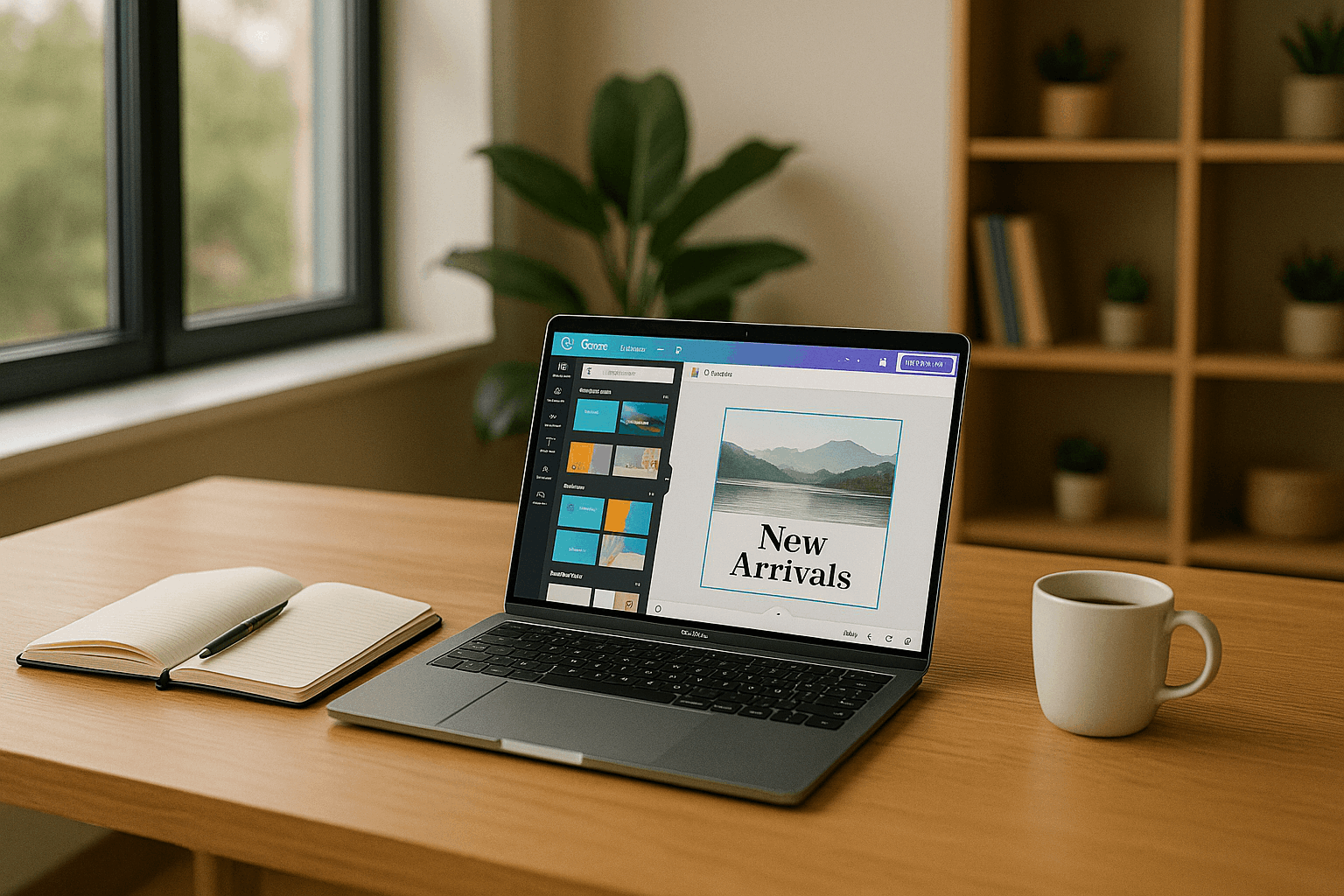
Canva is widely used by non-designers, students, small businesses, and content creators because it simplifies the most common design tasks.
Instead of adjusting complex settings, you work with ready-made templates, a large image and icon library, and straightforward text tools.
You can quickly adapt templates for Instagram, Facebook, TikTok, YouTube thumbnails, flyers, or simple slide decks, even if you have never studied design theory.
The platform keeps a permanent free plan, which already includes basic templates, fonts, some free photos, and cloud storage.
Free, Fast Canva Courses with Canva’s Own Lessons
Canva maintains its own learning hub called a design school, which offers free, self-paced lessons and short courses.
These are aimed at beginners and cover topics like the Canva interface, layout basics, branding, and social media content.
The platform includes quick “how-to” lessons that can be completed in 10–20 minutes as well as more structured courses that last under an hour.
Some modules provide a completion badge or certificate that you can show on a CV or social profile, which is useful if you are building a portfolio as a beginner.
Two common starting points for beginners
Essentials-style course on using Canva – usually around 1 hour of video lessons or interactive modules.
Graphic design basics with Canva – often under 1 hour, focusing on typography, colour, alignment, and spacing so your designs look more professional.
These courses are typically 100% free. All you need is a Canva account on the free plan.
Why these free courses are “fast & easy”
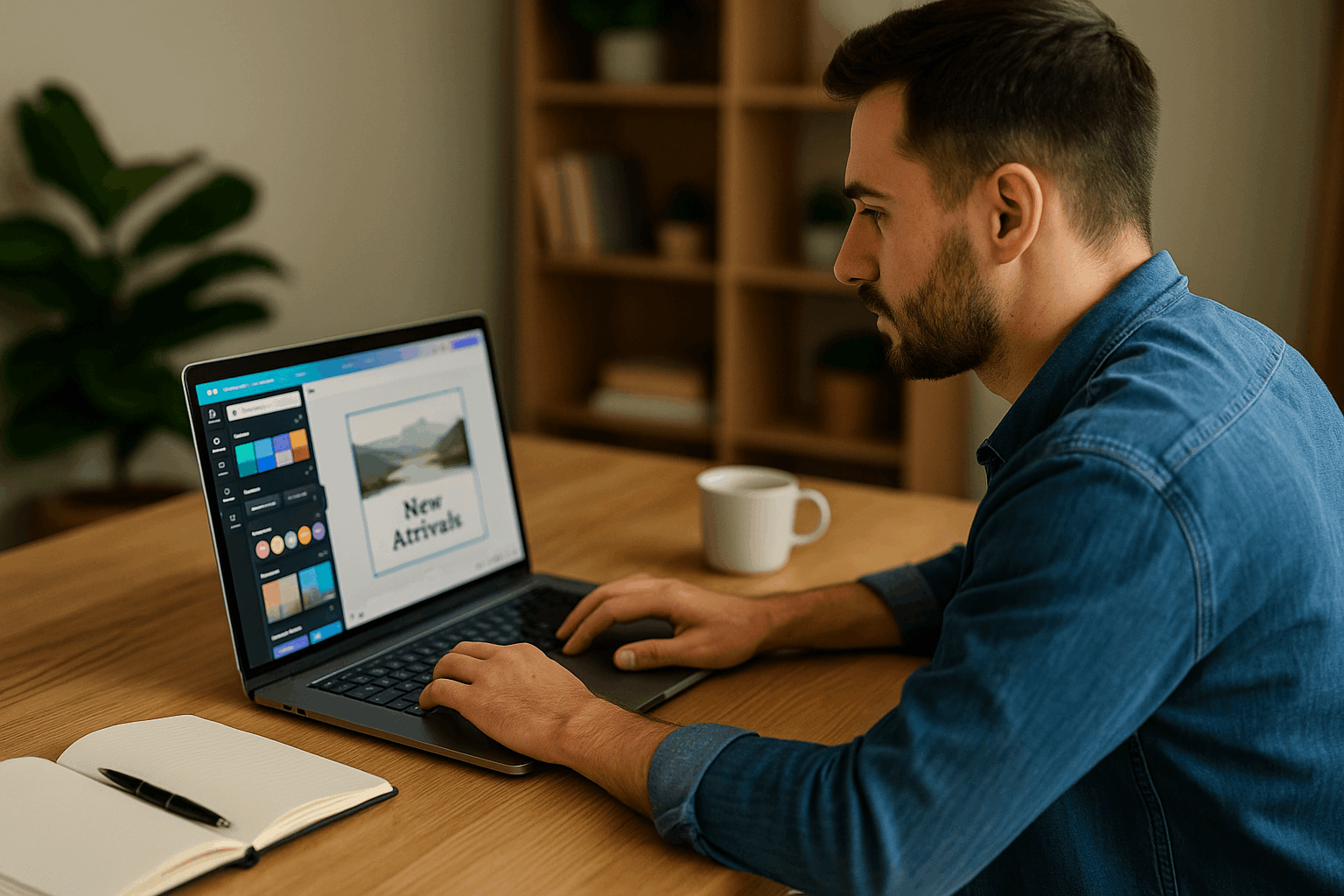
These lessons are designed for complete beginners who want to know how to use Canva for graphic design.
They focus on practical actions in the Canva editor instead of heavy theory and use short videos and exercises, so you can learn in 15–30 minute blocks.
For many people, combining one interface-focused course and one design-principles course (about two hours total) is enough to start.
You can create slides, invitations, or social media graphics with confidence.
Paid “Zero to Hero” Canva Graphic Design Courses for Deeper Practice
If you want more structure, feedback, and complete projects, paid courses on large learning platforms are a good next step.
These courses usually bundle several hours of video with downloadable resources, and they often go on sale with deep discounts.
The list price may be high, but promotional pricing frequently lowers it to an affordable level.
Canva Masterclass–Style Courses (Beginner to Pro)
Many platforms host “Canva Masterclass” courses advertised as taking you from beginner to advanced user. These usually cover:
- Setting up designs for different formats (social media, presentations, posters).
- Choosing and pairing fonts, building colour palettes, and structuring layouts.
- Creating simple logos, brand kits, and consistent visual styles.
- Exporting designs in different formats and using them across channels.
Typical course lengths range from 4 to 8 hours of video content, which you can complete over a few days or weeks.
On large marketplaces, these masterclasses often feature promotional prices between about US$15 and US$25.
Discounted from list prices that can exceed US$80–US$100. Once you buy the course, you usually get lifetime access.
Project-Focused Canva Graphic Design Courses
Another type of fast course is the project-based Canva class that promises a specific number of finished designs, such as “10+ projects”.
These courses are practical and ideal if you want portfolio pieces. They typically include:
- Social media posts and stories.
- YouTube thumbnails or channel art.
- Flyers, posters, and simple infographics.
- Basic brand kits and marketing materials.
The video content often ranges from 3 to 10 hours, but projects are broken into short segments so you can follow at your own pace.
During frequent sales, these courses are often reduced to roughly US$10–US$20, compared to regular prices around US$50–US$60.
Some platforms also provide a completion certificate, which can be helpful when presenting your skills to clients or employers.
Courses Aimed at Entrepreneurs and Content Creators
If you run a small business, online shop, or personal brand, there are Canva courses tailored specifically to marketing and entrepreneurship.
These classes usually teach you how to:
- Design social media campaigns, including cohesive post series.
- Build simple slide decks or pitch presentations.
- Create promotional graphics for sales, events, or product launches.
- Maintain a consistent visual identity using Canva’s brand tools.
Course lengths vary from about 2 to 6 hours, and they are commonly priced in the US$10–US$25 range during promotions.
The main advantage is that these courses focus on graphics that directly support sales and communication instead of general design experimentation.
How to Choose the Right Course for You
When deciding which Canva graphic design course to take, consider three main questions:
How much time do you have?
If you only have one evening, start with Canva’s own free lessons that last under an hour. These give you a quick win and help you understand the interface.
If you can dedicate several hours across a week, a 4–8 hour masterclass will take you deeper into design principles and real-world projects.
What is your budget?
With no budget, you can stay entirely within Canva’s free learning resources and still learn the basics of design and layout.
With US$10–US$25, you can add a paid course from a large platform, gaining structured modules, practical projects, and a completion certificate.
What is your goal?
For personal use (school work, social media, invitations), free courses and one short paid class are usually enough.
For business, freelancing, or content creation, choose a course that explicitly covers marketing, branding, and workflows for producing content regularly.
Start Designing Stunning Visuals in Days, Not Months
You do not need to invest in complex software or long diplomas to start creating attractive designs.
A combination of free Canva lessons and one well-chosen, affordable online course can give you solid skills in a very short time.
With Canva’s free plan, you can complete your first projects without paying for a subscription.